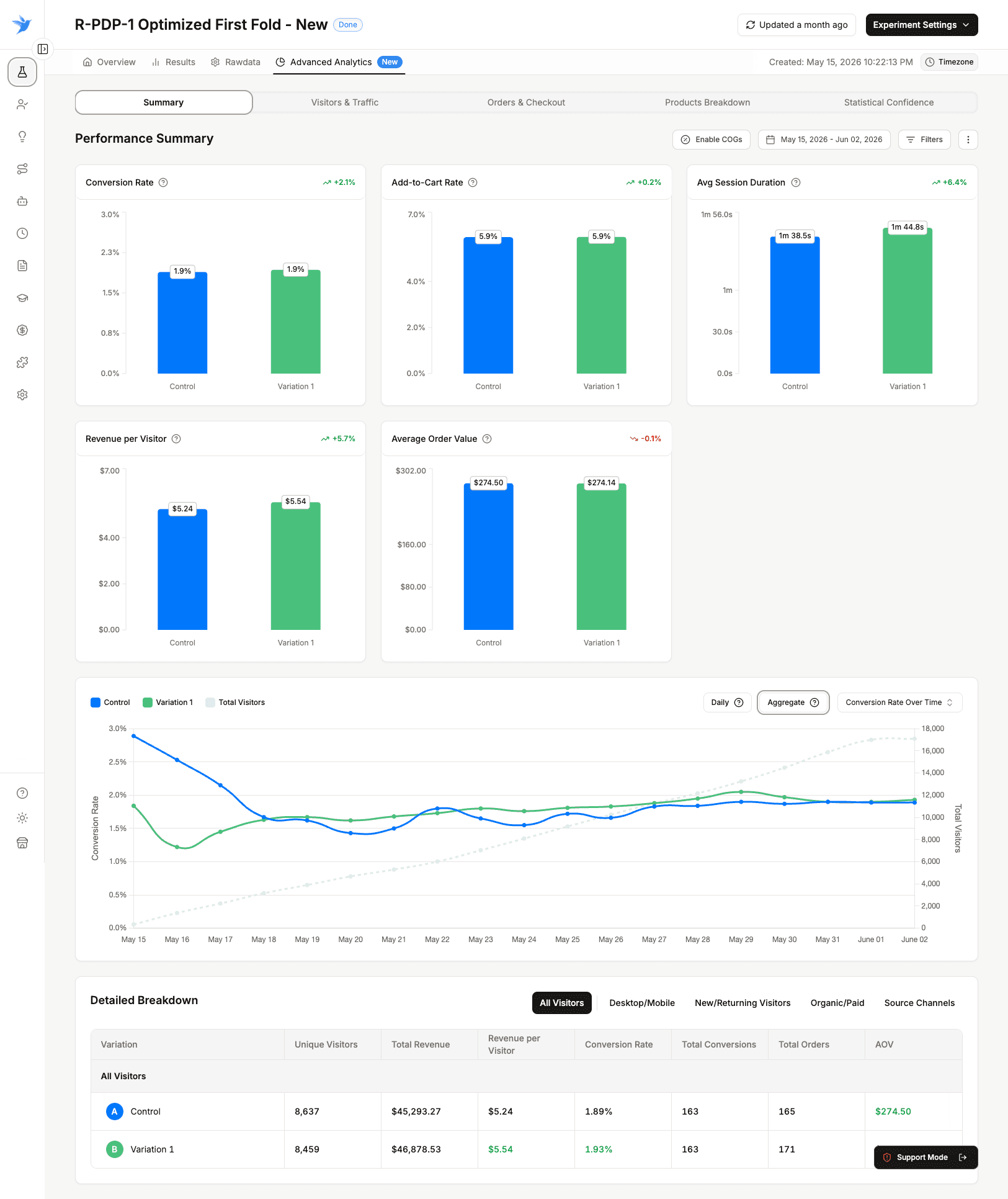
Test Anything on Your Shopify Store with Custom Code
Some tests do not fit inside a visual editor. Custom Code Experiments let you ship JavaScript and CSS variations to any page of your store, split traffic between them, and measure the revenue impact. Your theme stays untouched, and every change is reversible in one click.
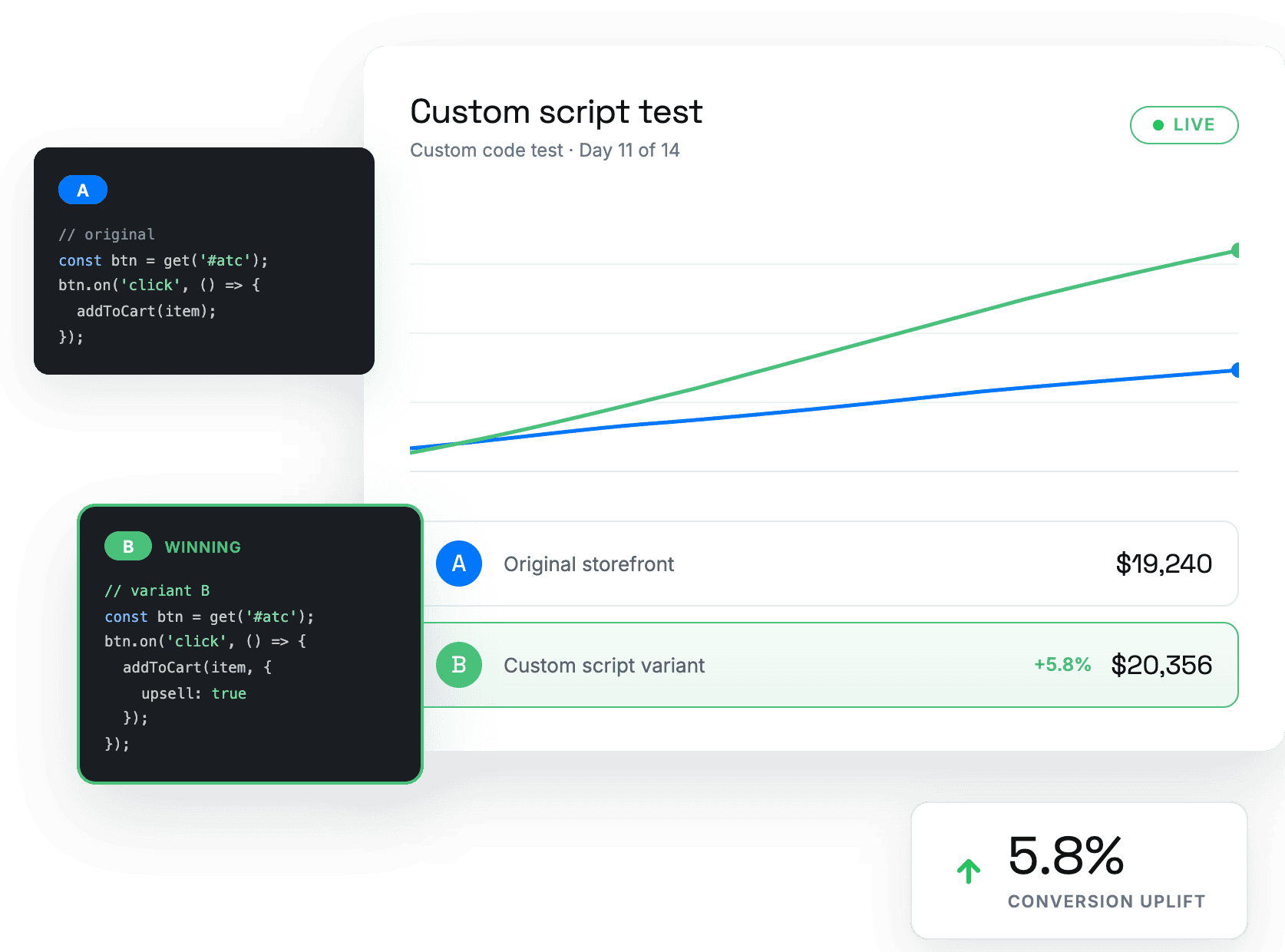
Ship the Tests Your Theme Editor Cannot Reach
Step 1 of 4
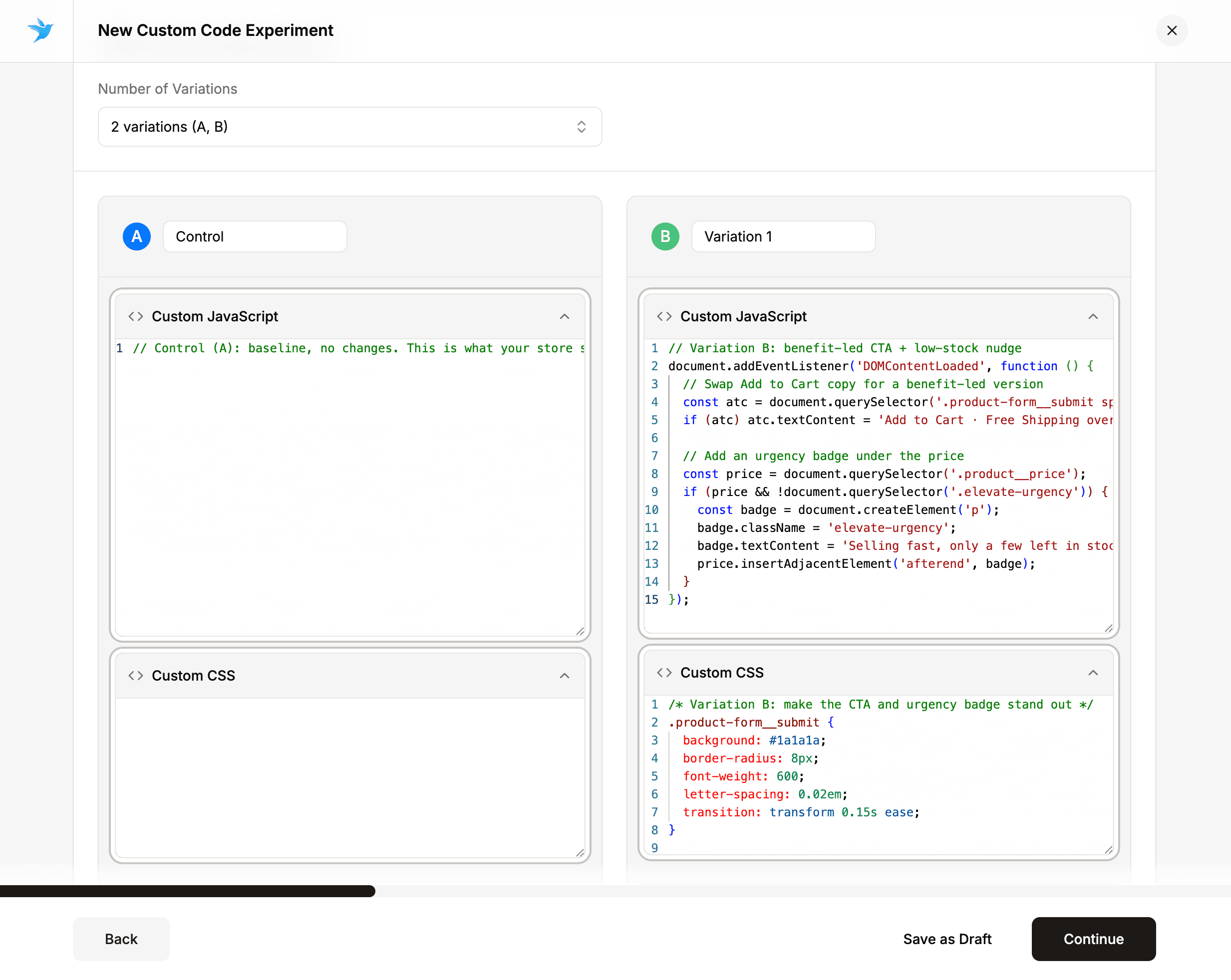
Full JavaScript and CSS control
Some winning ideas live outside the theme editor. Each variation in a Custom Code Experiment carries its own JavaScript and CSS block, so if you can build it on the front end, you can test it:
- Restyle any element or rewrite a section entirely
- Inject a new module or component onto the page
- Change behavior on scroll, click, or any other interaction
Precise page targeting
Code only earns its keep on the right pages. Run a variation store-wide, or narrow it to the exact paths that matter for the test.
Wildcards match whole groups of pages at once — every product page, every collection — while exclude rules keep your code off the pages it should never touch.
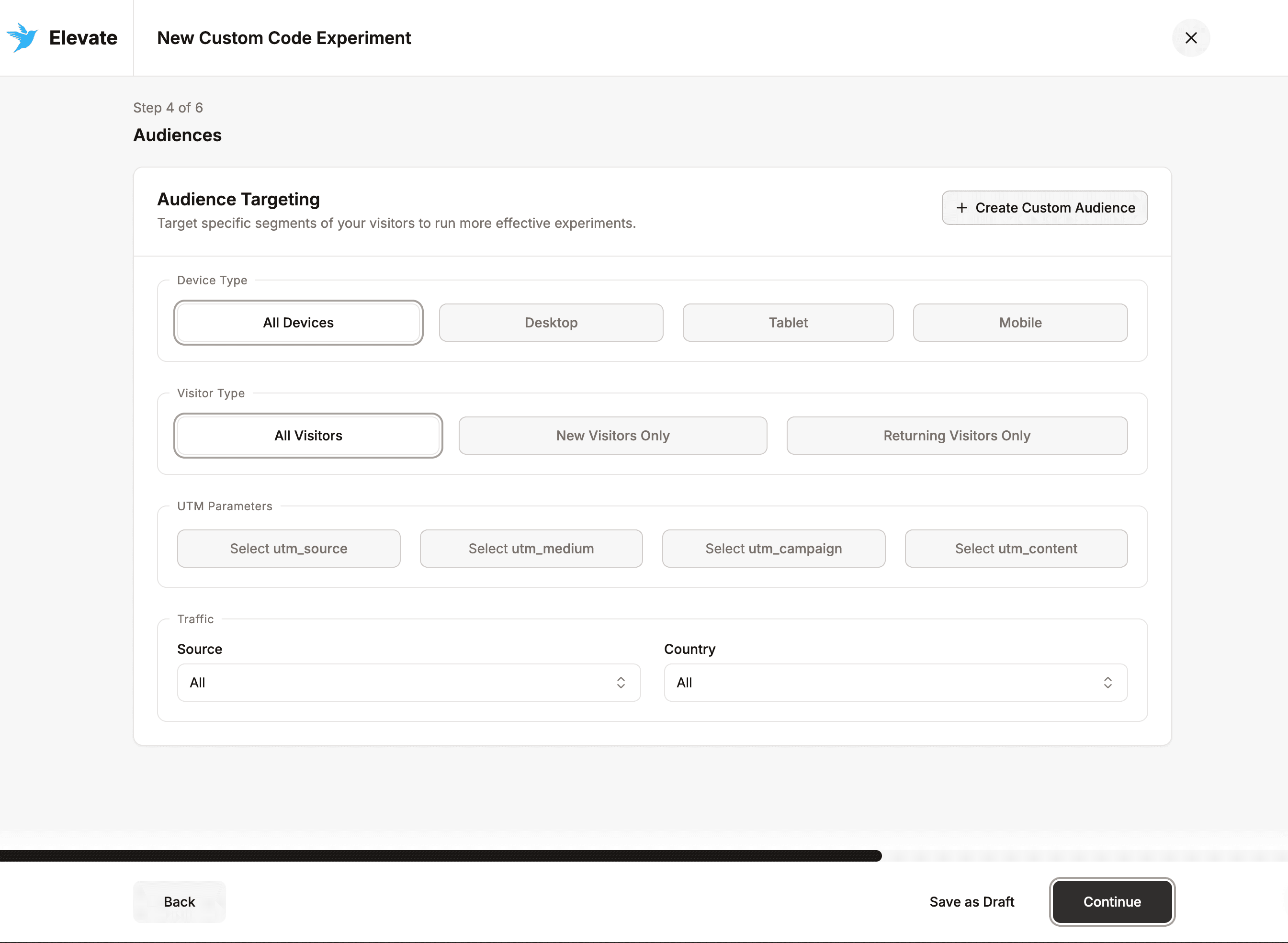
Clean, isolated results
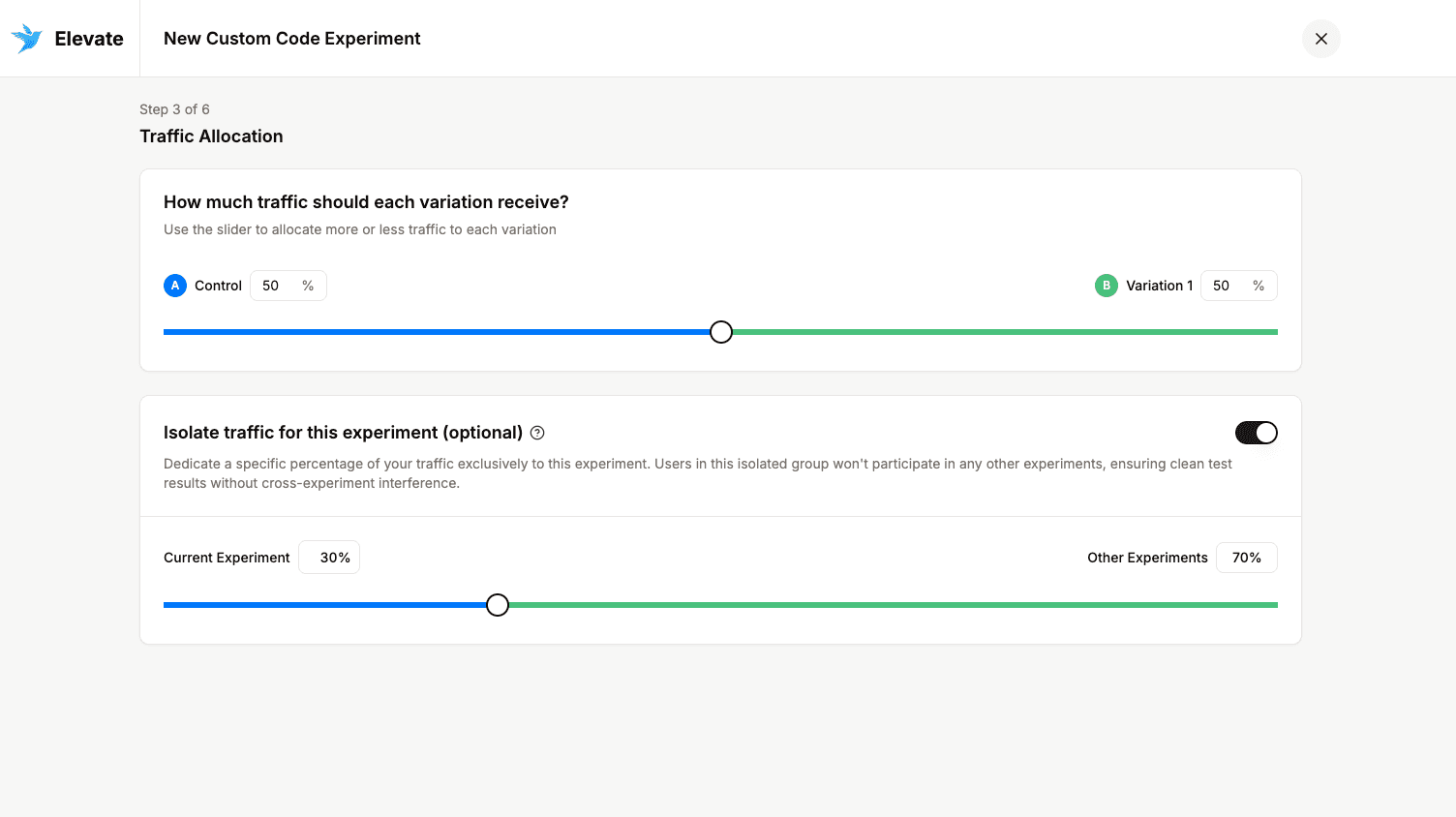
A code test is only as good as the data behind it. Turn on traffic isolation and visitors in this experiment are held out of every other test running on your store.
Cross-experiment interference disappears, so the lift you measure reflects the change you actually shipped — not the combined noise of overlapping tests.
No theme edits, no deploys
Variations run through Elevate’s native Shopify integration: nothing is written into your theme files, nothing waits on a deploy, and there’s no review queue between an idea and a live test.
End the experiment and the code is removed from your store immediately. Roll out a winner and it keeps running — still without touching your theme.